Transform chaotic inboxes into organized workflows. See all your email folders as kanban columns. Combine all your Gmail, Outlook and more accounts into one unified view.
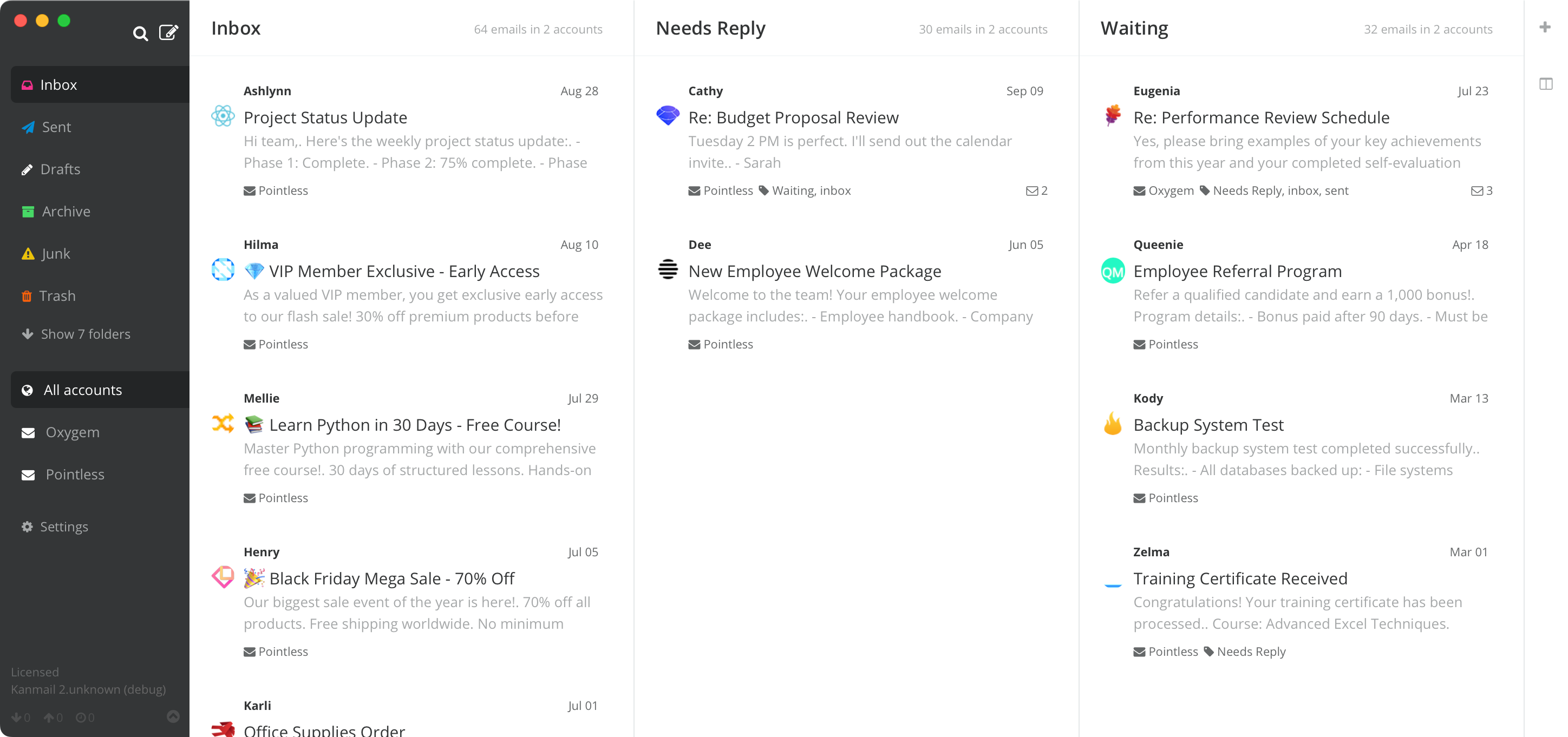
Managing multiple email accounts with dozens of folders is chaos. Important emails get buried, follow-ups are forgotten, and you waste time switching between accounts and hunting through folders.
Kanmail solves this problem by turning your inbox into a kanban board.
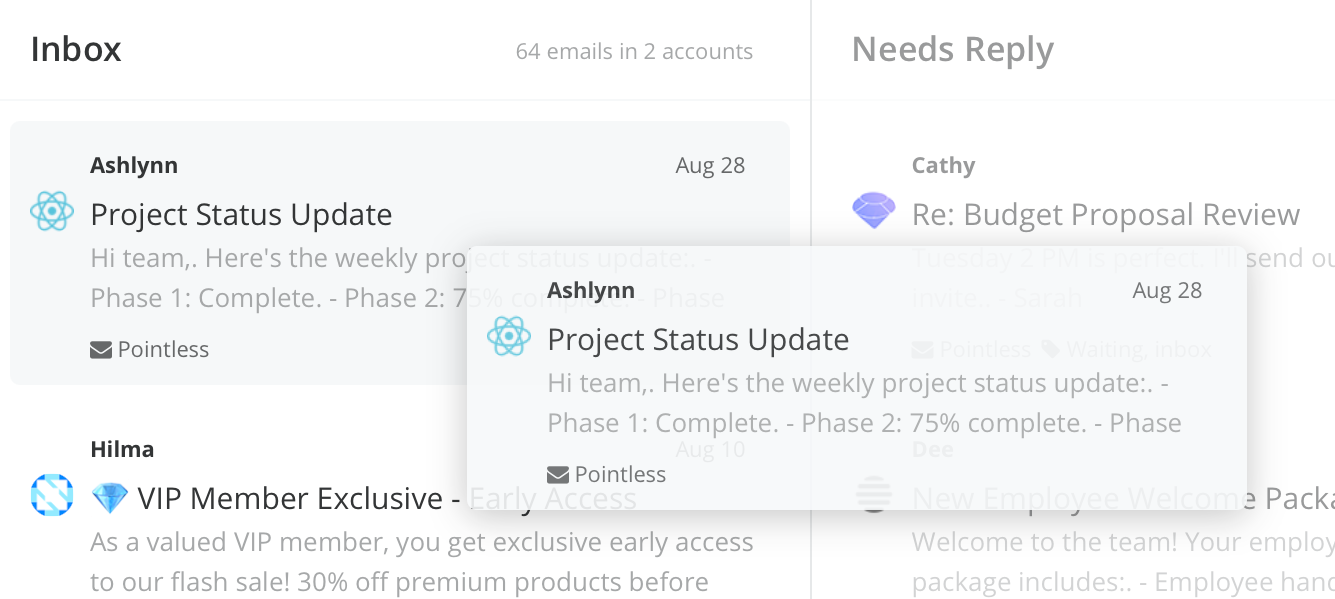
Organize your inbox by dragging emails between any combination of columns. Move messages from "To Do" to "Waiting" and create your own workflow that matches how you actually work.
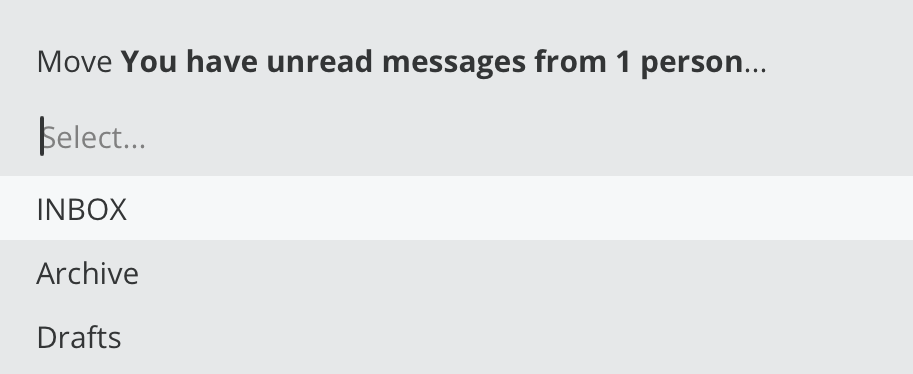
Keyboard shortcuts for literally everything. Move emails, switch columns, archive messages, and navigate your workflows without touching the mouse.
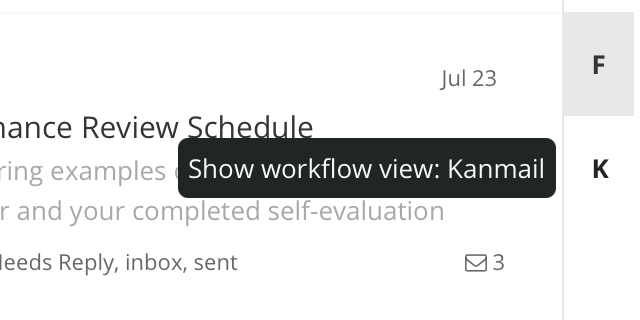
Save different column combinations for different projects or contexts. Switch instantly between your sales pipeline, customer support and project management kanban boards. Each workflow remembers your exact folder arrangement.
Kanmail automatically merges emails from the same sender or with similar subjects to help keep your inbox as clutter free as possible..
I can see exactly where each prospect stands and never let a hot lead go cold.

My personal email actually helps me get things done instead of stressing me out.

Dragging tickets between columns makes managing my support desk a dream.

Stop switching between apps or browser tabs - organize emails from all your accounts in one place. Your work Gmail, personal Outlook, and side project email all displayed together in your custom kanban boards.






Your emails stay on your device, never touching Kanmail's servers or the cloud. Privacy and security built in from day one, without compromising on features or performance.
Tracking pixels are blocked automatically to prevent senders from monitoring when you read emails. Images are hidden by default - click to show them only when you want to. Take back control of your privacy.

Instantly unsubscribe from spammy mailing lists without visiting sketchy websites or filling out forms. Kanmail handles it all with a single click, keeping your inbox clean and your data safe.

No monthly subscription fees or usage limits. Pay once for a lifetime of productivity.
 Kanmail